












✔ Test User registration
Completed by Robyn
- Assigned to
-
 Robyn
Robyn
- Due on
- Notes
-
Thank you
 Ian
Ian
- Navigate to the Wordworks staging login page.
- This page should display the Okta Login page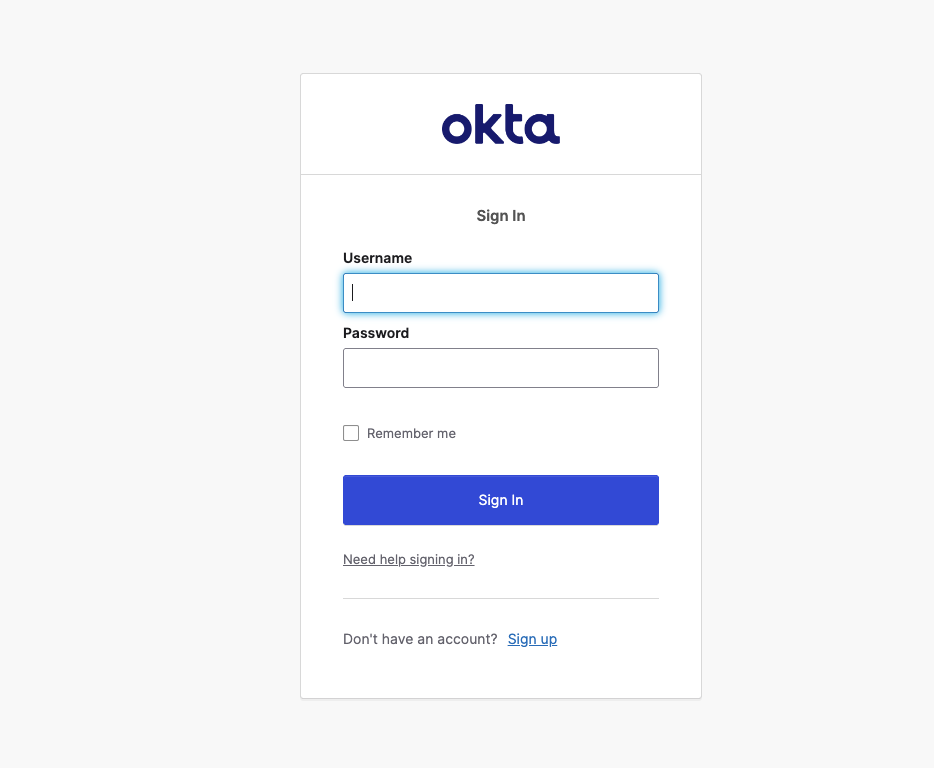
If you do NOT have an account :
- Click on Sign Up
- Enter all the relevant details on the sign up form
- An email will be sent to verify your account.
- Setup the Okta verification app on your cellphone
- You will also get other authentication app options as well.
***[Bottleneck]***
You will need to let me know so I can go into the admin and assign you to the wordworks app in the Okta Dashboard.
- Account needs to be approved for the application
Note: I am looking into the rules or actions we can set in place for this.
A task has been created for this.
After go ahead from Okta admin then you go through the Login process.
Wordworks staging login page.
If you do have an account:
- Enter your email address and password
********
Error: User is not assigned to the client application.
If you see this error it means this user is not accepted yet and will need to be assigned.
After successful Login user should have access to admin for workworks site.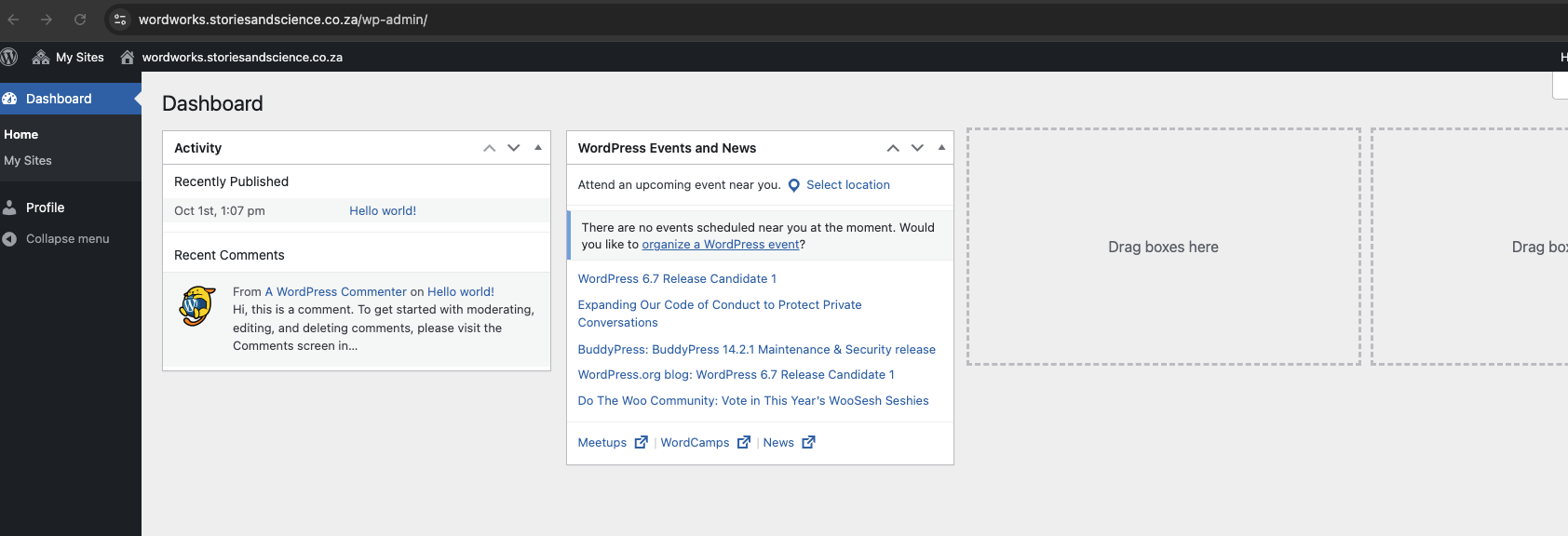
The best testing instructions I have received ( that I can remember ) - We have lift-off - No issues at all 🤩