MSI

https://www.msi.umn.edu/ https://msi.dev.umn.edu/

Accessibility - Table edits to make it screen reader approved -Batch HPC

Notes
https://msi.stg.umn.edu/about-msi-services/batch-hpc

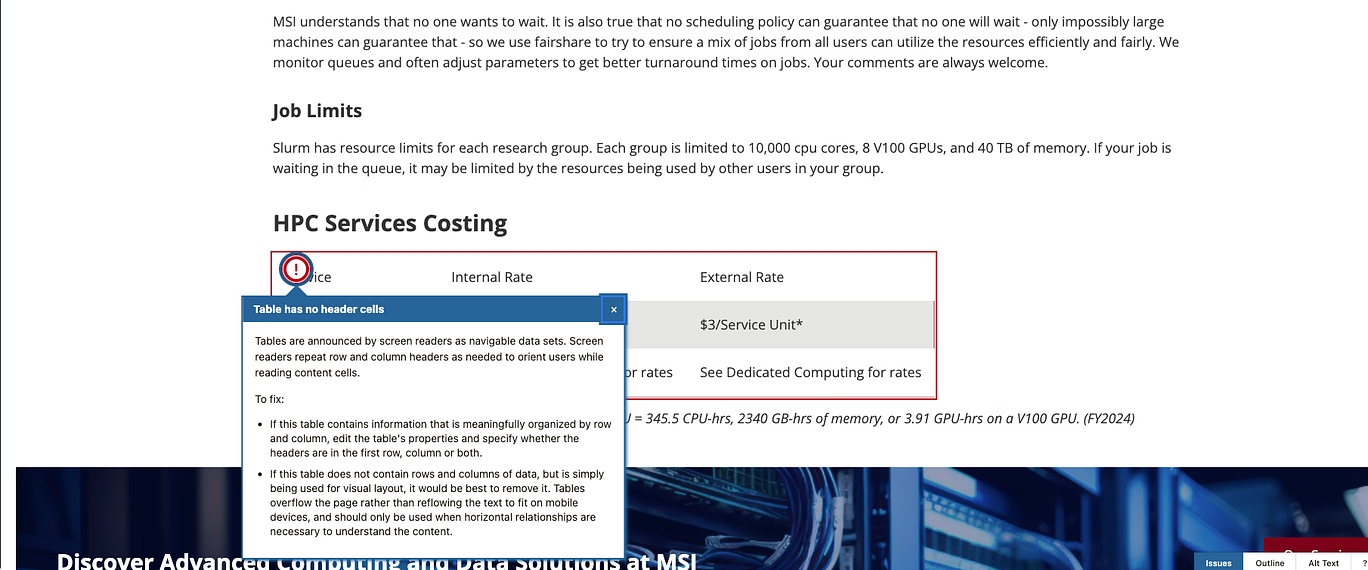
Tables are announced by screen readers as navigable data sets. Screen readers repeat row and column headers as needed to orient users while reading content cells.


To fix:

  1. If this table contains information that is meaningfully organized by row and column, edit the table's properties and specify whether the headers are in the first row, column or both. 
OR

2. If this table does not contain rows and columns of data, but is simply being used for visual layout, it would be best to remove it. Tables overflow the page rather than reflowing the text to fit on mobile devices, and should only be used when horizontal relationships are necessary to understand the content.

What do we suggest to fix this? Number one seems the most viable? 

Comments & Events

Robyn, Project Manager at Matogen Digital
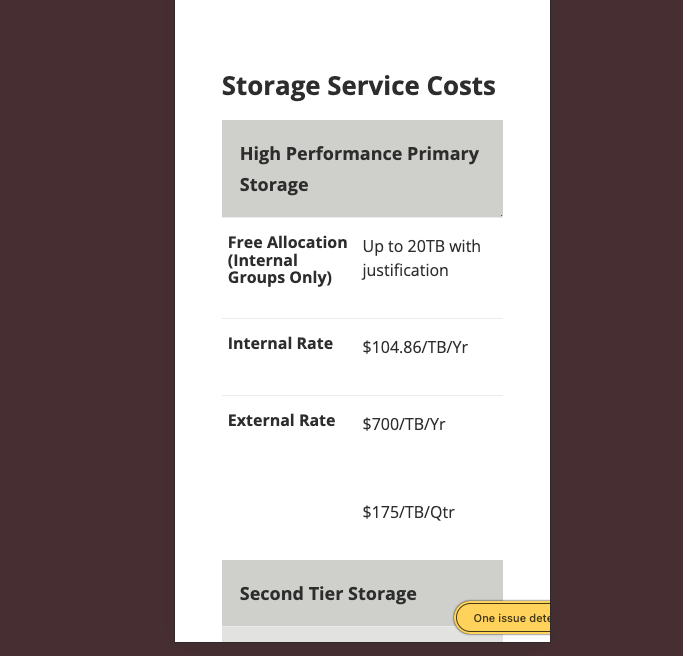
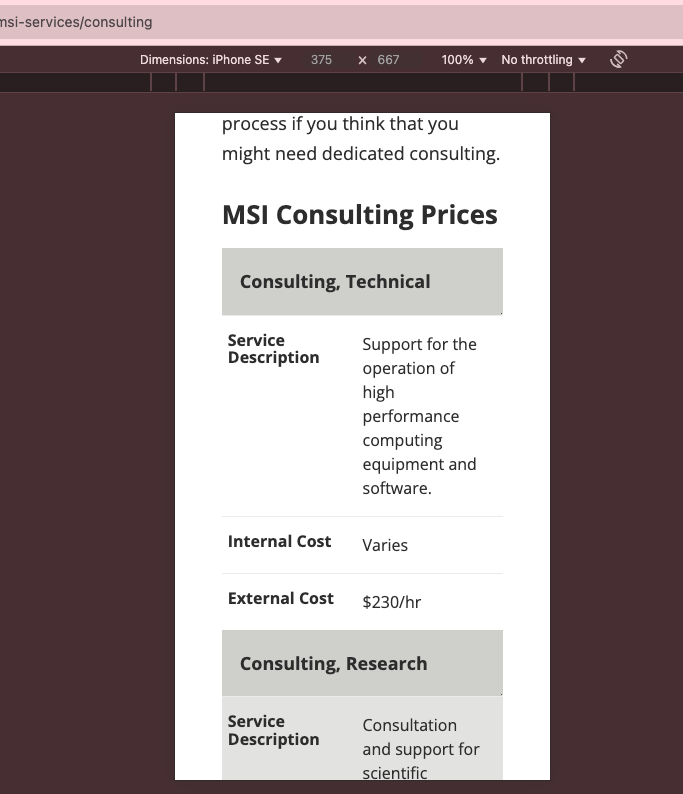
David Mundell, Developer  at Matogen Digital David   we can chat tomorrow but I think I have worked out which table is doing its job and which not - consulting works on mobile so whatever we did with that table, we should replicate for all the others (and check on the other accessibility rules) https://msi.stg.umn.edu/about-msi-services/consulting - noticed on staging but dont think we resolved the issue on production yet