



Editing Titles/Content for Archive Pages
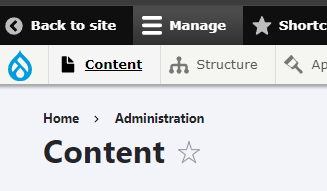
Firstly we can go to content by clicking on the menu Item on the top left labelled "Content":
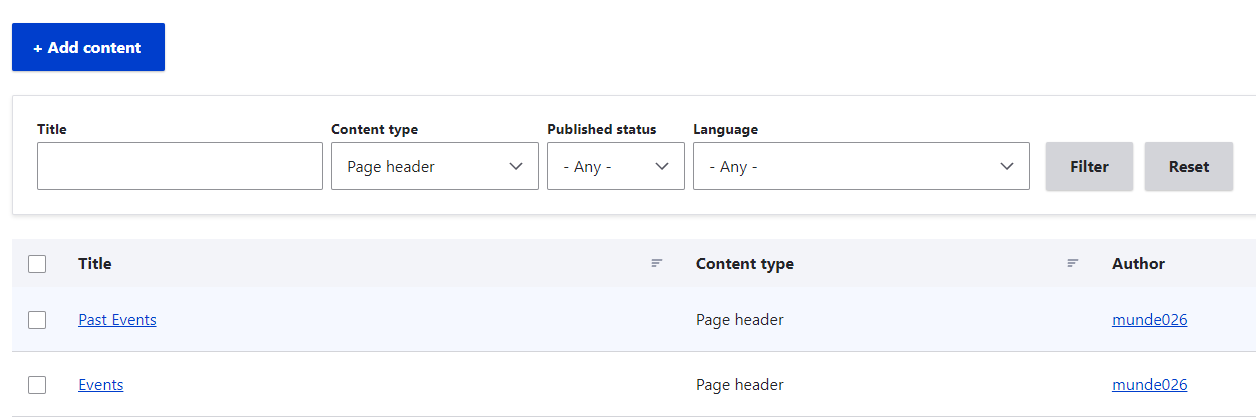
The Easiest way to find the content areas is the use the filters. However if you do not want to do this just take note that the Content Type will be called Page Header. We will need to select Page Header and click on the Filter Button. Once this is done we should see all the pages we are looking for:
Once you have located your page just click the edit button and you can start editing:

The Easiest way to find the content areas is the use the filters. However if you do not want to do this just take note that the Content Type will be called Page Header. We will need to select Page Header and click on the Filter Button. Once this is done we should see all the pages we are looking for:
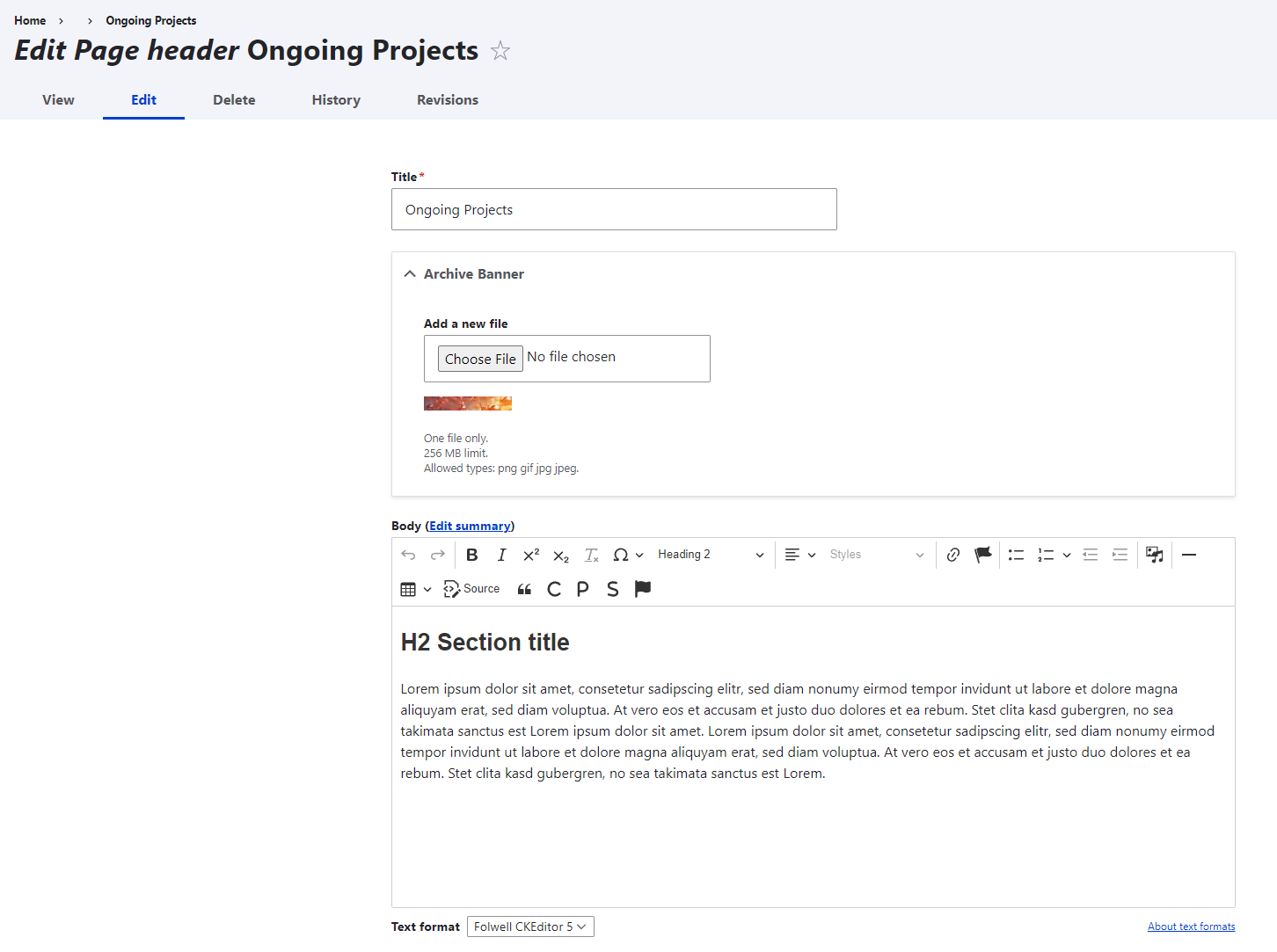
Once you have located your page just click the edit button and you can start editing:
Comments & Events

David Mundell turned on public link sharing for this message
on
David Mundell turned off public link sharing for this message
on