





✔ New Partners Section
Completed by Xoliswa S.
- Assigned to
-
 Xoliswa S.
- Due on
- Notes
-
- Add a new dropdown to the menu which will include 2 new pages
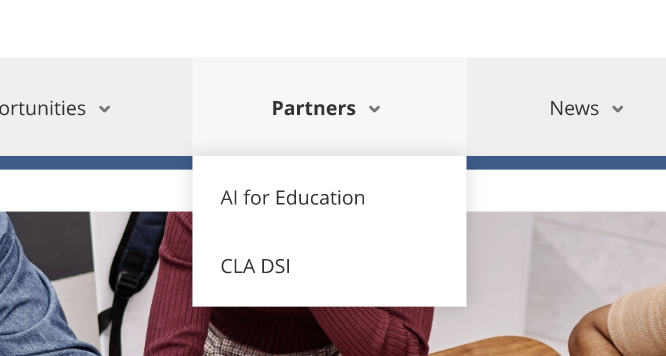
- Page 1 – AI for Education: https://xd.adobe.com/view/c4bff524-71ab-4218-a997-74a42d5ac65b-91ec/screen/fa716981-1d0c-4871-a667-aee805a63af4/
- Needs a calendar view of the upcoming events for this specific organiser
- Page 2 – CLA DSI: https://xd.adobe.com/view/c4bff524-71ab-4218-a997-74a42d5ac65b-91ec/screen/76070175-e1a2-40a3-97b3-54ff77f942b6/
- Needs a calendar view of the upcoming events for this specific organiser
- Add a new dropdown to the menu which will include 2 new pages
Menu items and page created
Next steps:
AI for Education and CLA DSI setups according to designs
Test Notes for AI for Education and CLA DSI views:
- Navigate to Partners on menu
- Click on AI for Education
- Click on CLA DSI
- - Validate the page header and content with button is visible
-- Validate Button takes user to Directory page
-- Validate user can click through to 'View' the single event view
-- Validate CTA content and button links
Development:
- Template updates for views and cta
Admin setup:
- Headers with content, images and CTA's setup