



✔ Training opportunities is not working as expected
Completed by Ian P.
- Assigned to
-
 Ian P.
- Due on
- Notes
-
Hey
When I add content its adding two blocks before the actual content as you will see on my example below (there's no spaces that I can see and it looks weird in the backend - not like the rest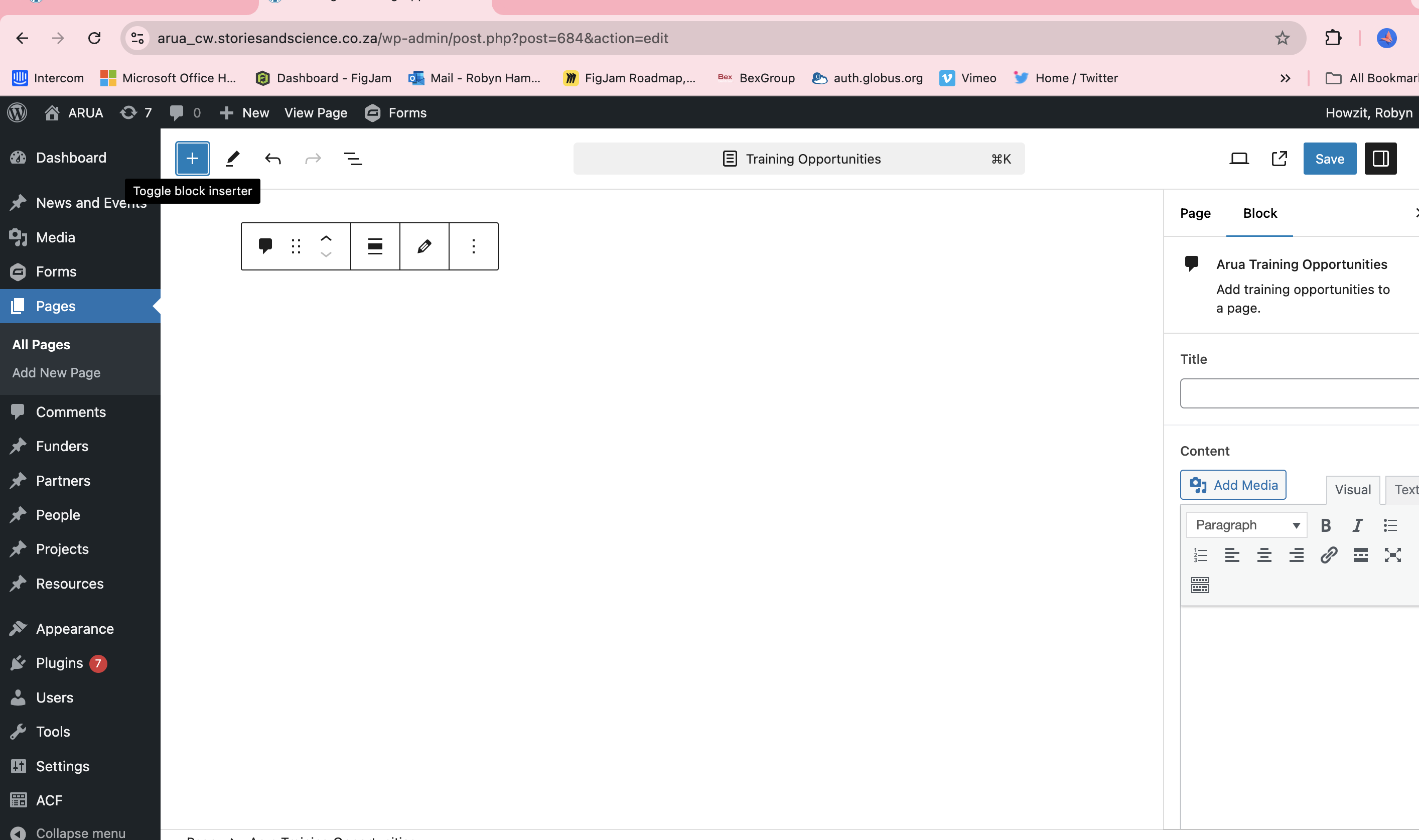
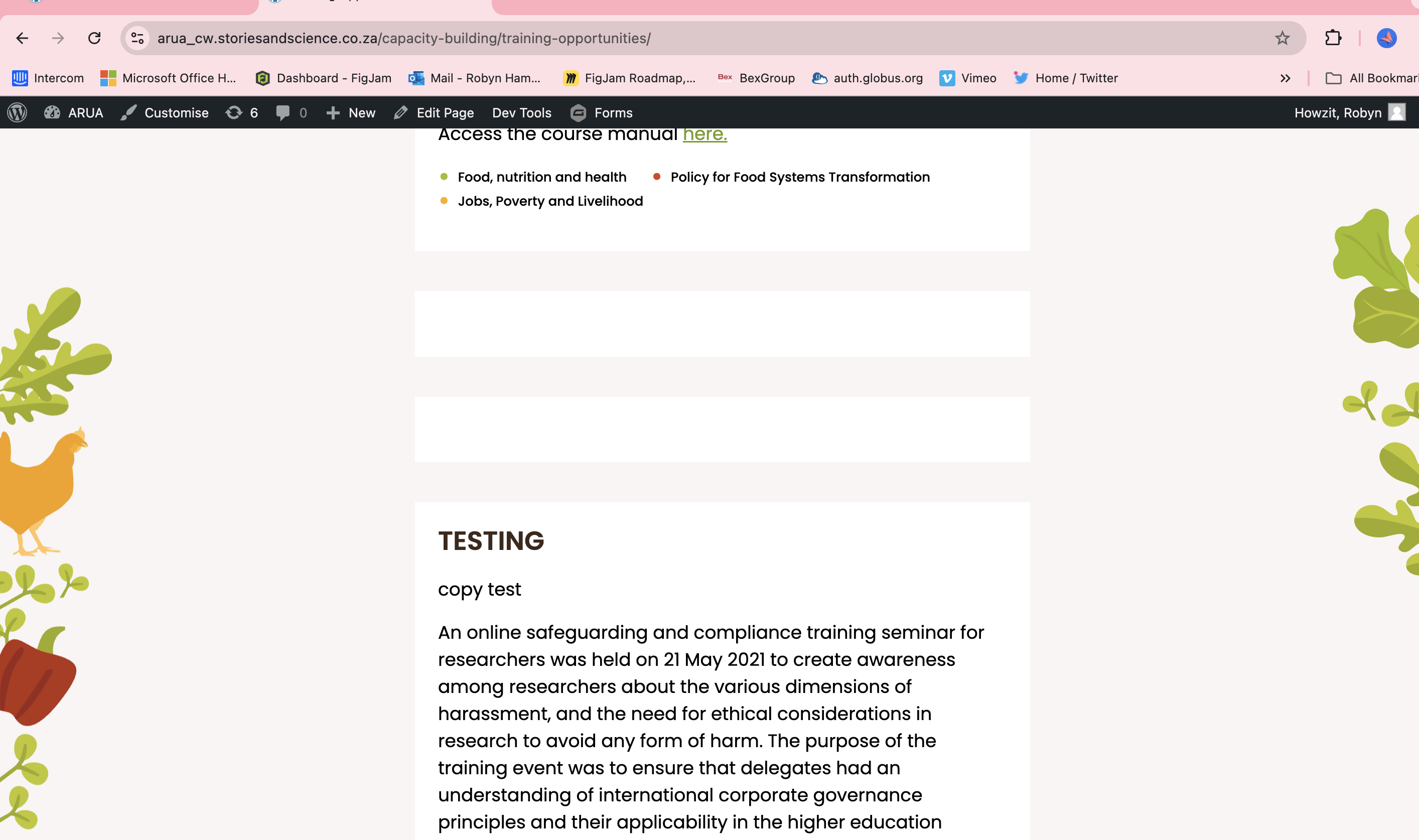
backend- don't see a gap between the previous one and my test but see the above blocks and then its not in the same frame and just looks half baked -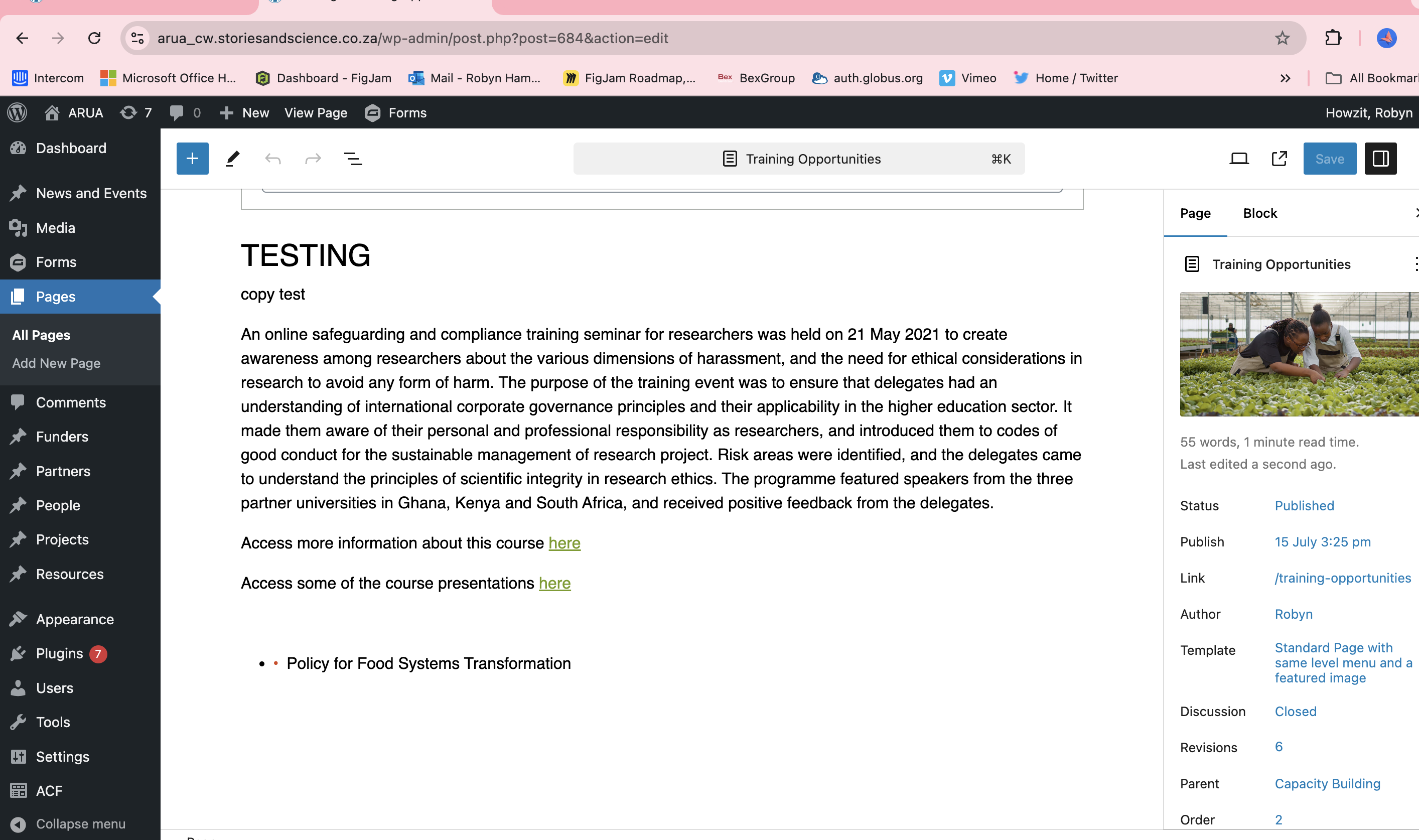
The issue on this page is that there are two empty Training Opportunities blocks. If you delete those, the empty blocks should disappear from the frontend.
On the screenshot, you will see there's an option to toggle between a live view and an editor view on the content block (look for the pencil or eye icon). This will toggle the views for you.
Let me know if this solves the issue for you!